Restore Encrypted Files via Command Prompt Recovery Key
Locked out by BitLocker? Learn how to use the command prompt recovery key to unlock your drive and restore files using WinfrGUI.
Continue reading →Locked out by BitLocker? Learn how to use the command prompt recovery key to unlock your drive and restore files using WinfrGUI.
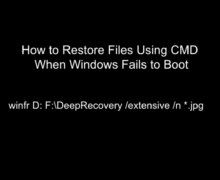
Continue reading →Learn how to restore files using cmd when Windows won’t boot. Our guide covers WinFR, Xcopy, and safe data recovery tips for system crashes.
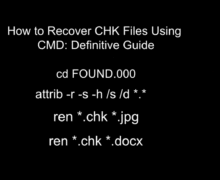
Continue reading →Learn how to recover chk files using cmd and restore lost data from FOUND.000. Follow our pro guide to fix file extensions.
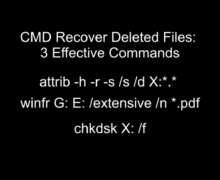
Continue reading →Learn how to use cmd recover deleted files to rescue data. Master Attrib, Winfr, and Chkdsk with our professional guide to file recovery.
Continue reading →Master the winfr syntax to fix “Error Parsing Command” and recover lost data. Learn to use filters and WinfrGUI to rescue your files safely.
Continue reading →Read this honest winfr help user guide to see why SSD recovery often fails and how to decide your next technical move.
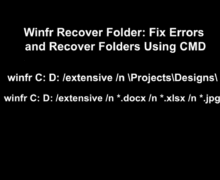
Continue reading →Learn how to winfr recover folder using CMD. Fix common errors, use extensive mode correctly, and recover deleted folders safely in Windows.
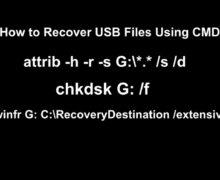
Continue reading →Learn how to recover usb files using cmd for free. This guide covers attrib, chkdsk, and WinfrGUI to restore hidden or deleted data easily.
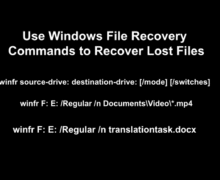
Continue reading →Learn how to use Windows File Recovery commands (winfr) step-by-step to recover deleted files from NTFS, FAT, and exFAT drives.
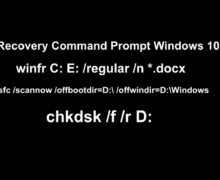
Continue reading →Use the Recovery Command Prompt Windows 10 to repair system issues. Key tools: bootrec, SFC, and DISM to fix boot errors and corrupted files.
Continue reading →